Show users where you're headed.
Turn approved ideas into a plan everyone can follow — in the view that fits how your team works.
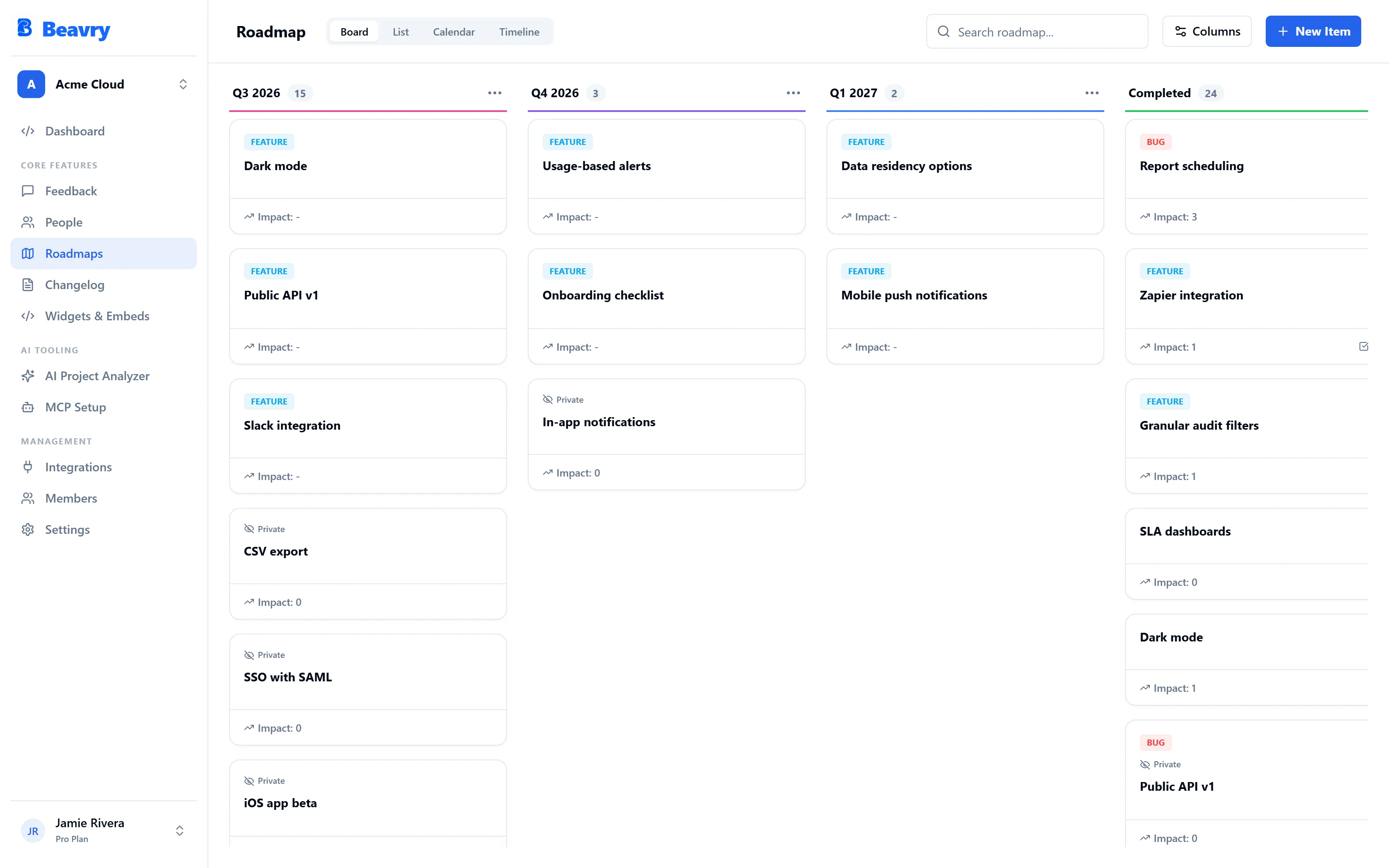
Turn approved ideas into a plan everyone can follow — in the view that fits how your team works.
The same roadmap, four ways to see it. Drag items between columns, scan them as a list, or plan against dates.
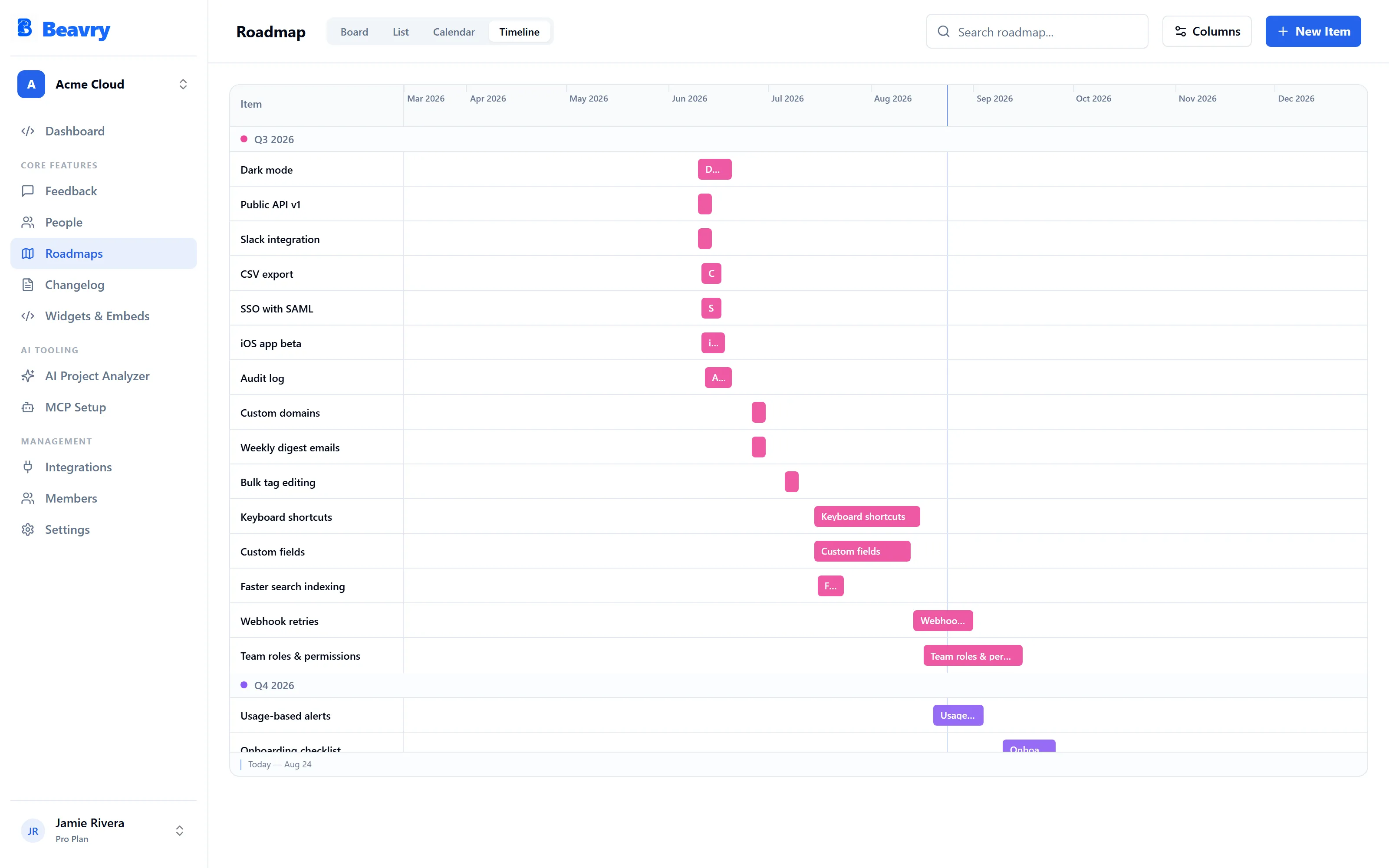
Roadmap items carry what a team needs day to day — without becoming a second project manager.
Show users a public roadmap while your team works with the full internal view.
Roadmap items keep their connection to the feedback that inspired them.
Users can vote on roadmap items too — demand stays visible as you build.
Status changes flow between Beavry and Linear, GitHub Issues, or Jira.
Mark items for AI agents to pick up through the MCP connector.
Completed items become changelog drafts — no blank page.
Create your roadmap and connect it to your feedback — free.